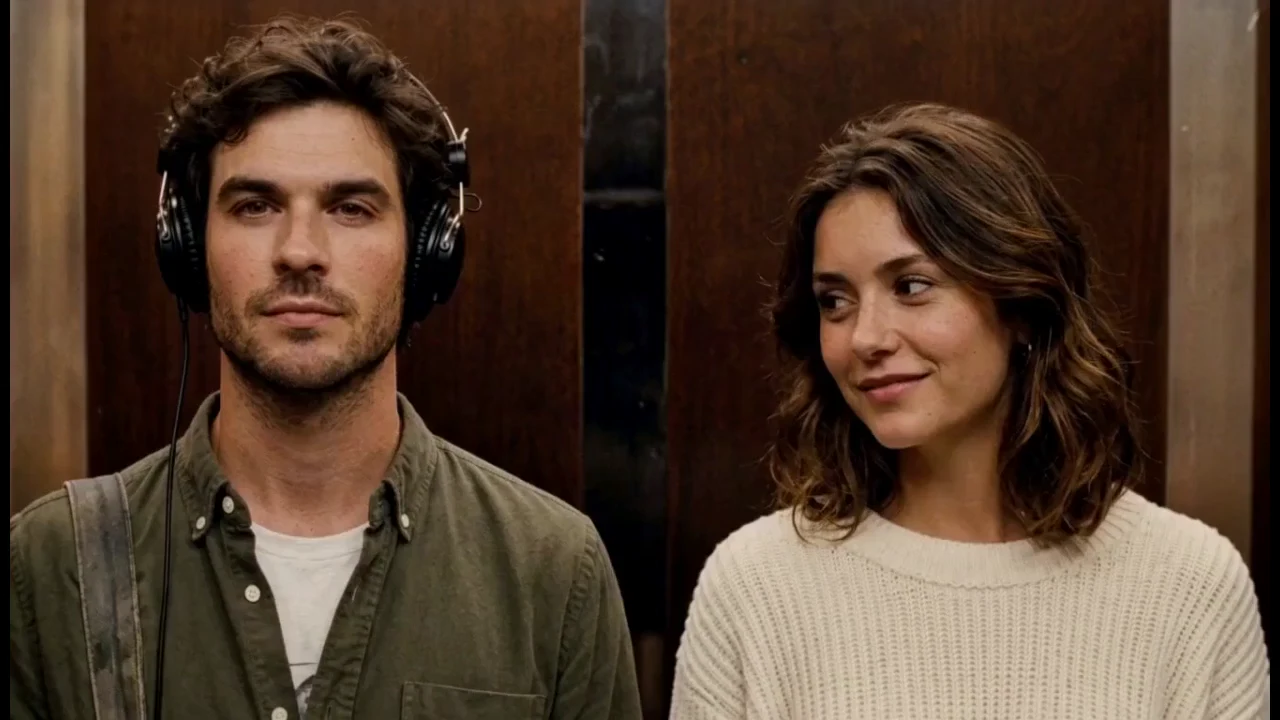
What I Love The Smiths AI does, in one answer
Your two portraits guide the people and their visible clothing. The template provides the elevator setting, headphone movement, conversation and reference sound. The upload order fixes the two roles. AI resemblance can vary during turns and expressions, so review the full result.
Each slot takes one JPG or PNG portrait of up to 10 MB. The page shows an in-browser preview after checking file type, size, and image decoding, so nothing leaves the browser until a task is submitted. One generation uses 150 credits and delivers an approximately 14-second landscape HD MP4. Completed work is associated with the signed-in account and appears in a private library for 24 hours. The three public clips below are labeled AI-generated examples, not renders of visitor photos.
Do I need to film anything or write a prompt?
No filming is needed. Upload one portrait per person. The scene is already directed; the optional appearance field lets you add a visual preference. It does not change the dialogue, camera format or the two fixed roles. This template uses its fixed elevator performance and reference soundtrack. It does not record your voice, rewrite the conversation or offer vertical output.
How to verify the technical limits
The 10 MB ceiling, accepted image types, and local preview behaviour come from the browser-side file check on this site. MDN's File API reference describes that browser mechanism. Output length, aspect ratio, and quality labels are reference specifications shown in the interface, not a guarantee about any particular generated frame. The same facts are published to search engines and AI assistants as JSON-LD using schema.org vocabulary and Google's structured data guidelines.
Last reviewed November 2026. This is an independent AI reinterpretation tool inspired by the scene; it is not affiliated with the film, cast, band or social platforms. Get permission for the people you upload and check your audio rights before posting.
FROM TWO PHOTOS TO YOUR OWN ELEVATOR VIDEO
Four steps to your scene
Video tasks require credits. One-time packs are available on the pricing page.
01Give each person a role
Use two separate JPG or PNG portraits, up to 10 MB each. Choose a face that is sharp, well lit and easy to see. The left slot listens; the right slot starts the exchange.
02Sign in and choose a pack
Create an account or sign in, then choose 1, 3 or 10 videos. Every video uses 150 credits. Packs are one-time purchases, starting at $7.90 for one video.
03Let the scene take shape
Generation usually takes 5–15 minutes. Busy periods, automatic retries and longer queues may take more time. Follow the existing task in your video library instead of submitting another one.
04Play it, check it, save it
Review both people throughout the clip, then download the MP4 within 24 hours. If completion emails are enabled, a notification links you back to the finished video.
View your video library ↗
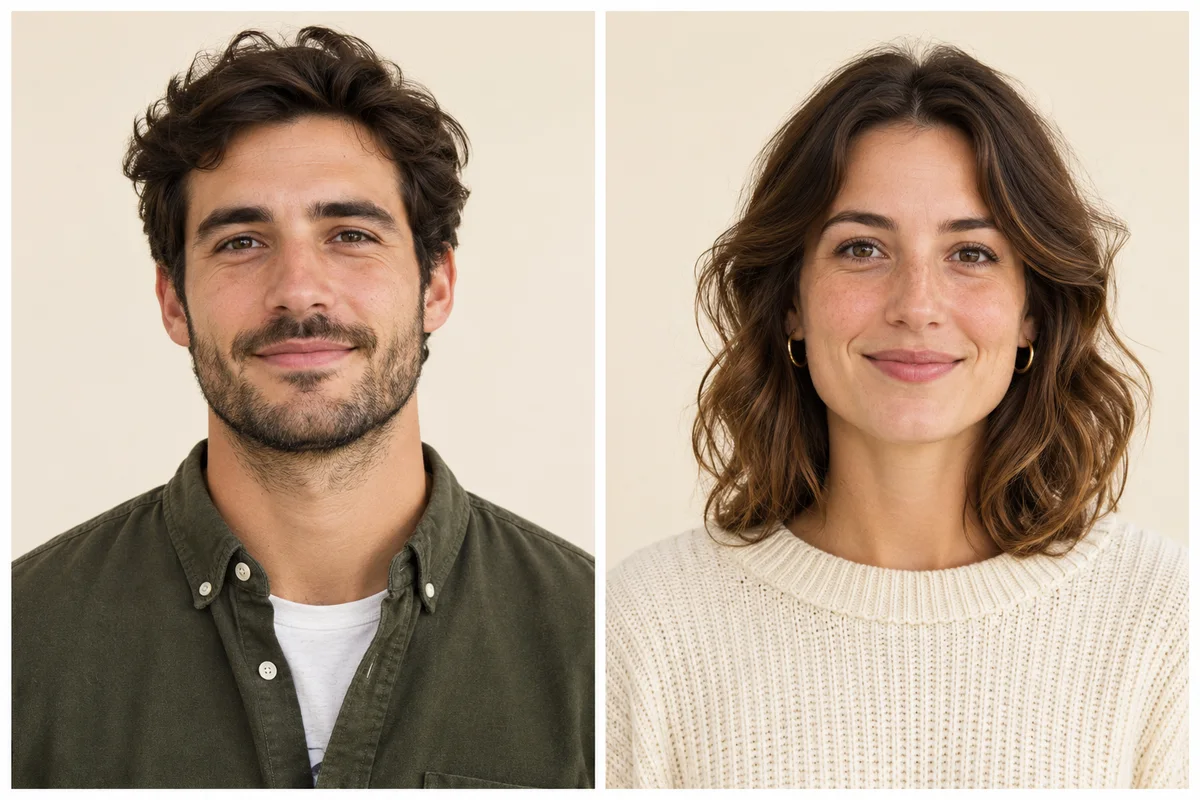 PHOTO CHECKLIST
A CLEAR FACE GIVES THE SCENE A BETTER START
Choose a portrait like this.
- One consenting adult, with visible eyes and natural facial detail.
- Enough hair and shoulders to show the appearance you want.
- Soft daylight and a level camera work well.
- Get permission from both people before using their likeness.
See all portrait tips ↗HD
CAST WITH PERMISSION
Use portraits you have the right to use.
Only use your own adult portrait or get permission from both people. Submitted portraits are sent to the generation service. Do not present generated work as a real event or endorsement.