
FIELD NOTES FROM THE ELEVATOR
I Love The Smiths AI
elevator scene guides.
Portrait tips, role mapping, and the reference workflow in one place.
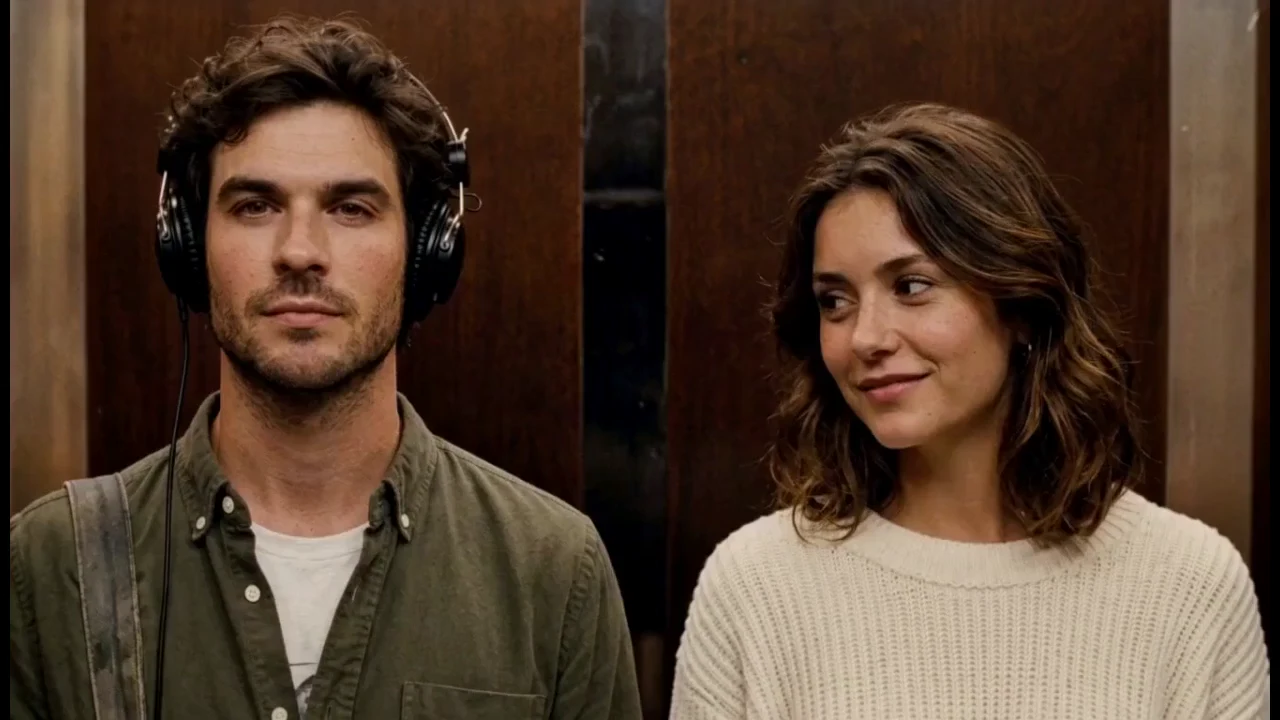 01 · WORKFLOW
THE COMPLETE GUIDE · 6 MIN
How to make an I Love The Smiths AI elevator scene from two photos
Cast the headphone listener and the conversation starter, prepare two portraits, choose a pack, and learn how private results are meant to work. It covers the five steps from image selection to the account-linked library, including the 150-credit cost per generation, the one-time packs, and what a confirmed final failure means.
Read the guide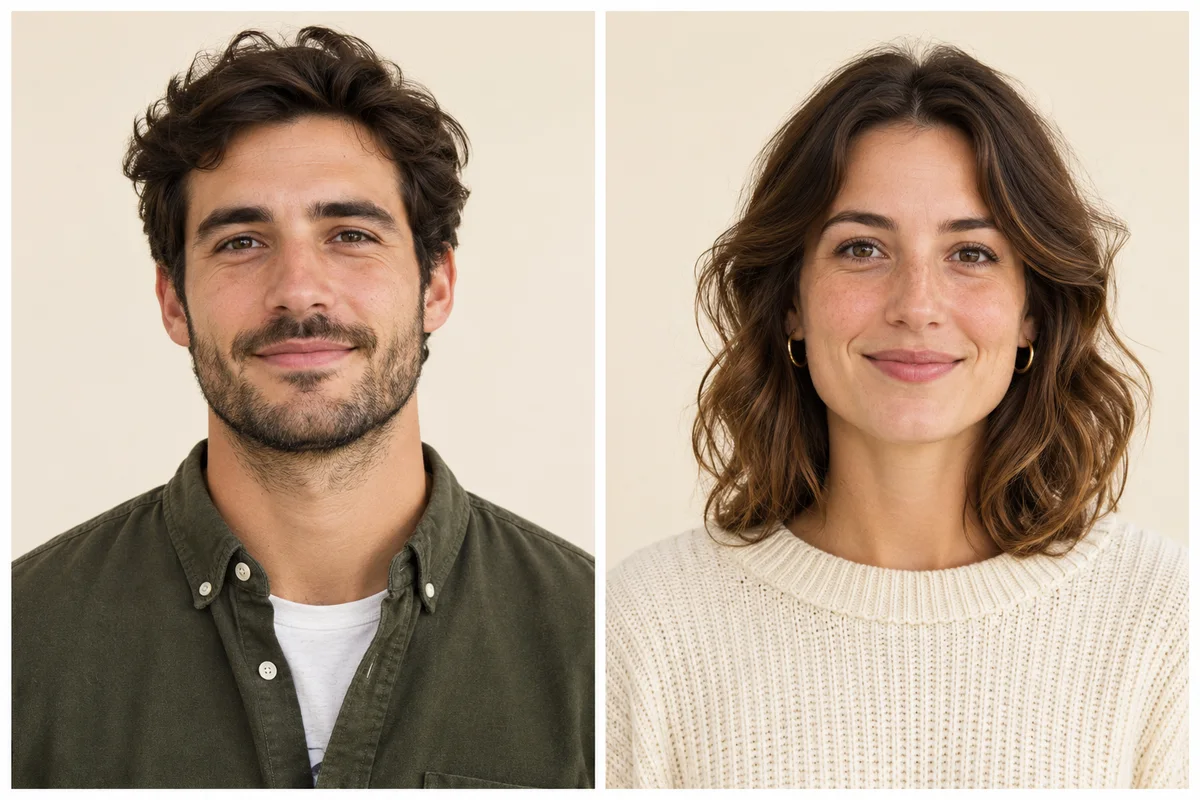 02 · PHOTO TIPS
BEFORE YOU UPLOAD · 4 MIN
Keep the two roles distinct
Check face clarity, visible eyes and shoulders, portrait order, and the head turn before you prepare a scene. It also explains the 10 MB file limit, why one adult per image helps, and how to compare the finished clip against your two source photos.
Read photo tipsWhat these guides cover
Two I Love The Smiths AI guides document the two-photo elevator scene workflow: one walks through casting, packs, and result review, and the other explains how to prepare two clear portraits and keep the listener and speaker roles distinct.
Start with the complete workflow
The elevator scene guide assigns photo 1 to the headphone listener on the left and photo 2 to the conversation starter on the right. It then covers permission, the optional appearance preference, in-browser photo previews, the private video library, and the checks worth making at the head turn and the exchange. Read it before preparing a pair of images if you are new to the concept.
Then check the portraits
The portrait guide is the practical companion. It recommends one adult per image, soft even light, visible eyes and facial outline, and framing that shows the shoulders and the clothes you care about. It also explains why a simple shoulder-up portrait supplies more identity detail than a distant headshot, and why a source photo guides a result without guaranteeing that every generated frame will match.
Quick reference
- Reference output: approximately 14 seconds, landscape 16:9, HD MP4.
- Image input: two JPG or PNG files, up to 10 MB each.
- Generation cost: 150 credits per video; packs add 150, 450, or 1,500 credits.
- Current status: one-time packs are purchasable through Stripe Checkout; credits never expire.
Reading order and related pages
Read the complete workflow first if you have not prepared a pair before: it fixes the role order, the file checks, and the meaning of the optional appearance field. Then use the portrait guide as a checklist while choosing the two images. If you are evaluating whether the concept fits your needs at all, the workflow comparison separates what this site displays from what a third-party service may offer, and the pricing page lists the current pack prices and purchase terms in one place.
Both guides were written by I Love The Smiths AI Editorial and last reviewed in November 2026. They describe the visible interface rather than a hands-on benchmark of a generated render; sample clips on the home page are labeled examples and are not made from visitor images. The privacy notice explains what happens to a file at submission, and the terms of service cover permissions and synthetic-media labelling. A guide appears in the guides feed whenever it is revised.
Both guides use only browser-side image previews before submission; MDN's File API reference describes the underlying file handling. Guide metadata follows schema.org BlogPosting vocabulary. Last reviewed November 2026.
START WITH THE CAST